

Pixie Tunes Premium Pregnancy Speakers – White

$ 29.99

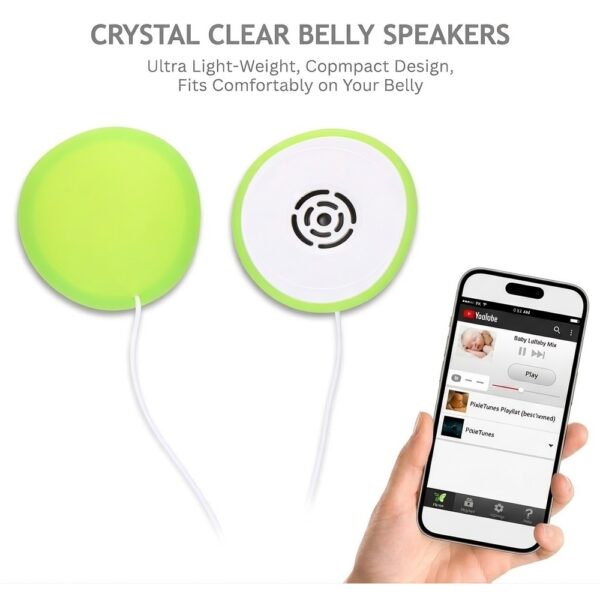
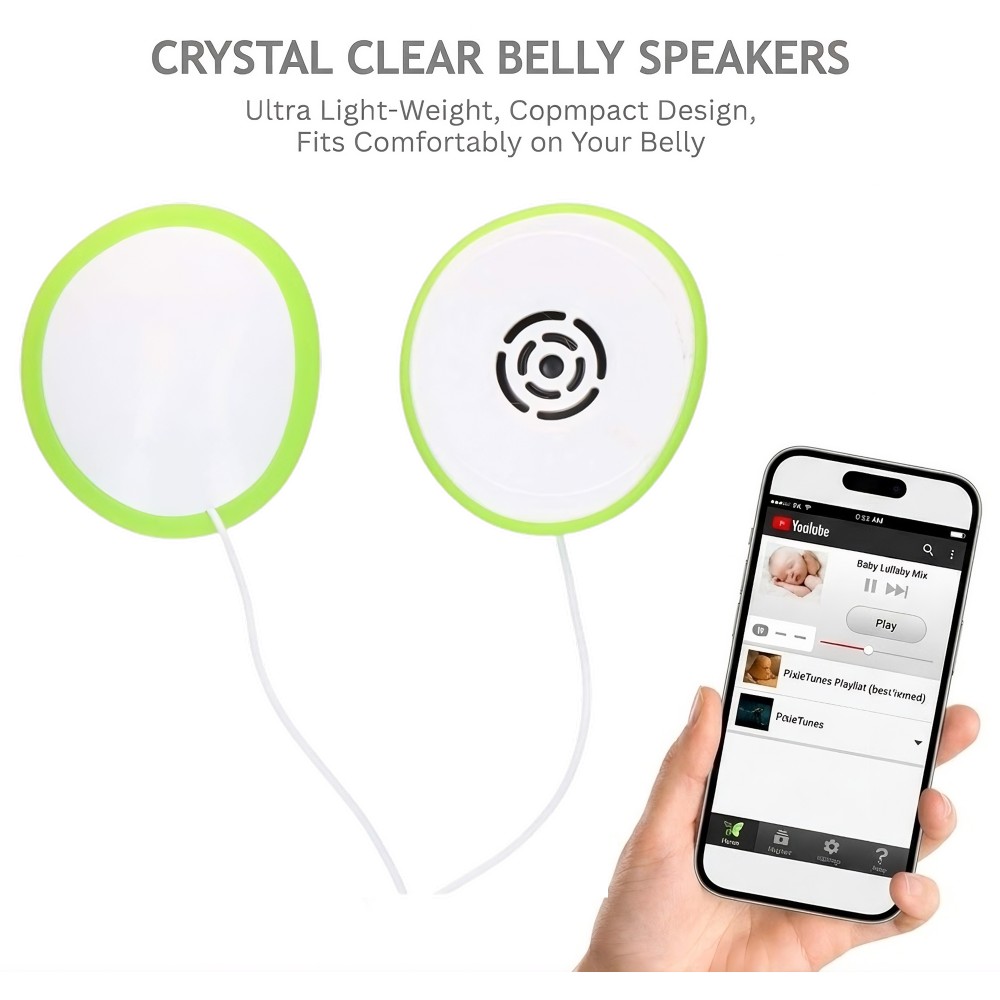
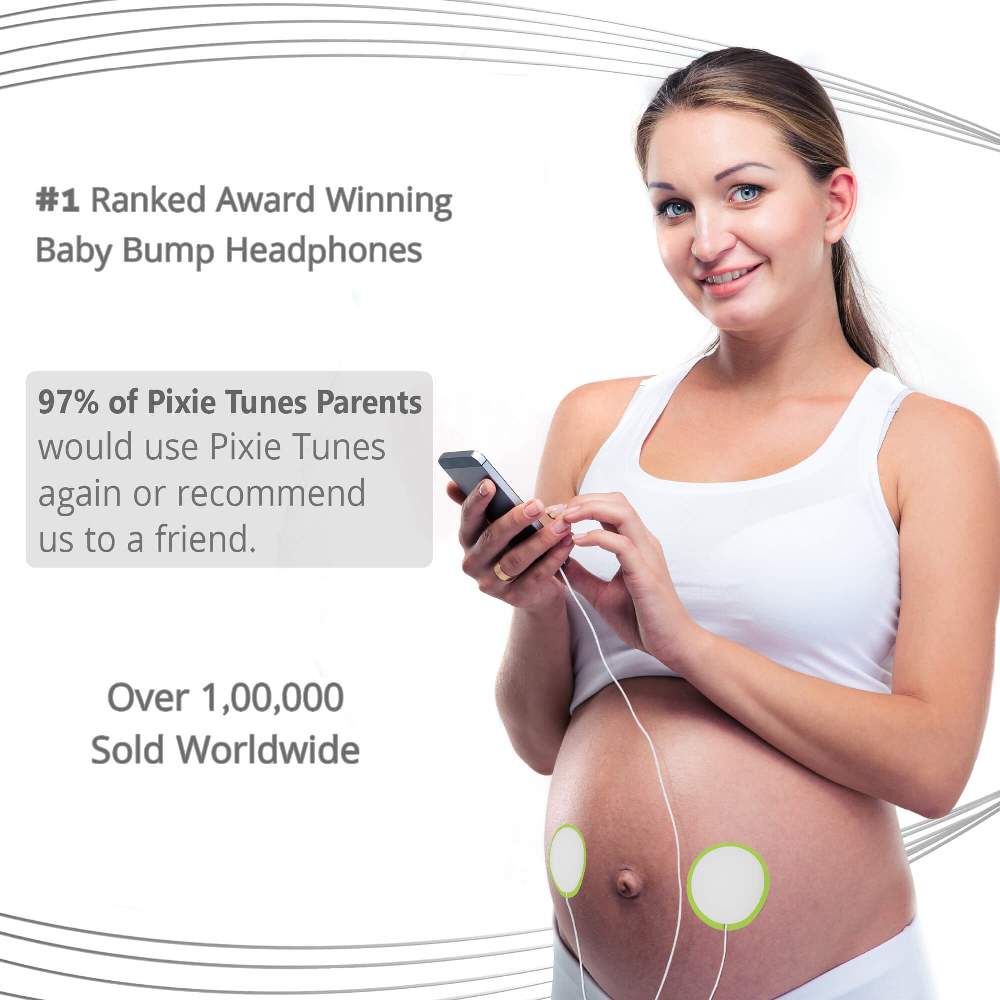
A favorite song. A familiar voice. A little time for you two. Pixie Tunes Premium in white is a dual pregnancy speaker system that brings your own music and recordings to your baby bump.

  • Two lightweight speakers with a volume selector
  • Four reusable adhesive patches, audio splitter, and carry case included
  • No special Pixie Tunes app required
  • 3.5 mm audio connection; compatible phone adapter may be needed

Check setup and compatibility →

SKU: 854950002627 Category:

Product Description

Pixie Tunes Premium · White

Your soundtrack.
Your little moment.

Turn a favorite playlist, a bedtime story, or a recording from someone you love into a personal pregnancy ritual. Pixie Tunes Premium pairs two baby bump speakers with the everyday simplicity of your own audio device.

Made for your bump

The two speakers attach using reusable adhesive patches, so there is no belt to fasten or special clothing to buy. Settle into a comfortable spot and follow the included instructions for placement and use.

Play what means something to you

Choose a lullaby, a song you have always loved, or a saved voice message from family. Premium works with audio from a compatible device, without requiring a dedicated Pixie Tunes app.

Share the listening moment

The included stereo splitter lets you connect your own headphones alongside Premium to listen to the same audio. Your personal headphones are not included.

Pack it away neatly

Keep the speakers and accessories together in the included cushioned carry case between uses. A compact kit makes it easy to keep your setup organized at home or when packing a bag.

What is in the box?

  • Dual Pixie Tunes Premium pregnancy speakers with volume selector
  • Four reusable adhesive patches (two pairs)
  • Stereo audio splitter for shared listening
  • Cushioned carry case

Check your connection before ordering

Premium uses a 3.5 mm audio plug. Devices without a headphone socket need an audio adapter compatible with their USB-C or Lightning port. Check your exact device and adapter before purchasing; the phone and phone adapter are not included in the Premium kit.

Explore our adapters and replacement adhesives, or visit FAQ & Support for setup and care. The product instructions explain the volume selector and correct use.

Setting up Pixie Tunes Premium

  1. Prepare your setup.
    Read the product instructions and check that your device has a compatible audio output or adapter.
  2. Attach the adhesive patches.
    Prepare clean, dry skin and fit the patches to the speakers as directed. Place the speakers without pulling on the cables.
  3. Connect and play.
    Connect Premium to your audio device and follow the product instructions for volume settings and use.
  4. Store after use.
    Return the adhesive surfaces to their protective backing and keep the kit together in its carry case.

Read the full setup and care guide →

System Dual pregnancy speakers with volume selector
Color White
Audio connection 3.5 mm plug; compatible device adapter may be required
Adhesive patches Four reusable patches included
Audio splitter Included
Carry case Included
App requirement No dedicated Pixie Tunes app needed
Warranty One-year limited manufacturer warranty; see terms and registration
Does Premium include its own speakers?

Yes. Premium is a dual pregnancy speaker system. If you want an adapter for earbuds you already own, explore Pixie Tunes Elite instead.

Will it connect to my phone?

Premium uses a 3.5 mm audio plug. Phones with USB-C or Lightning ports require a suitable audio adapter. Check compatibility with your specific device.

Can I play voice recordings?

Yes. Play saved recordings from your compatible device, using your usual audio or recording app.

Can I listen at the same time?

The included splitter lets you connect your own headphones to the same audio source alongside Premium.

Can I buy more adhesive patches?

Replacement adhesive patches are available in the store. Follow the care instructions and replace patches when they no longer hold securely.

How do I choose the volume setting?

Follow the instructions supplied with your Premium system for the volume selector and playback settings. Visit FAQ & Support if you need help.

You may also like…

Scroll to Top